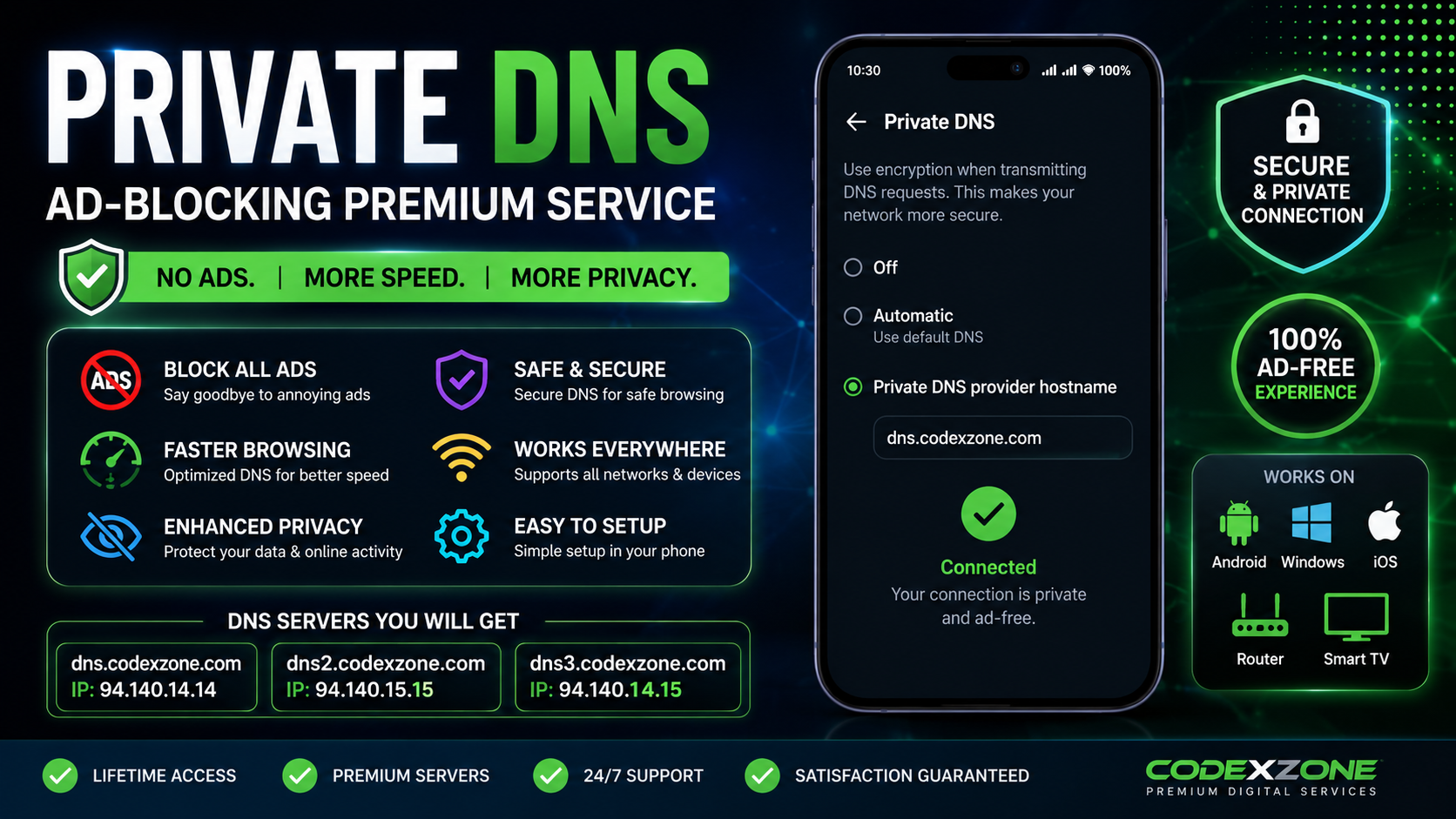
✦ Premium Features
🚫 Ad Blocking
Reduce advertisements from supported apps and websites.
🔒 Private & Secure DNS
Use encrypted DNS connections for supported DNS queries.
⚡ Smooth Browsing
Enjoy a cleaner browsing experience with optimized DNS service.
📱 Easy Setup
Simple Private DNS configuration on supported Android devices.
🌐 Multiple DNS Servers
Get the Private DNS hostnames provided with your purchase.
📦 What You Will Get
- Private DNS Hostname Details
- Available DNS Server Options
- Android Setup Instructions
- Configuration Support
- Lifetime Access (if included in your purchased plan)
📲 How To Setup?
- Open your Android Phone Settings.
- Go to Network & Internet or Connections.
- Select Private DNS.
- Choose Private DNS Provider Hostname.
- Enter the DNS hostname provided after purchase.
- Save and connect.
♛ CODEXZONE EXCLUSIVE
Get your Private DNS details and enjoy a cleaner digital experience.
⚠ Important Note
DNS-based ad blocking cannot block every advertisement. Some apps and websites may not support DNS-level blocking. Speed and compatibility depend on your network and device. DNS service availability depends on the provided server.
PREMIUM DIGITAL SERVICES BY
CODEXZONE